Most weeks run out of three places at once: the mailbox, the paper diary, and someone's memory. A customer rings to move their Tuesday booking, you scribble a note between jobs, and somewhere between the phone and the counter it vanishes. Now the diary says one thing and the customer's expecting another.
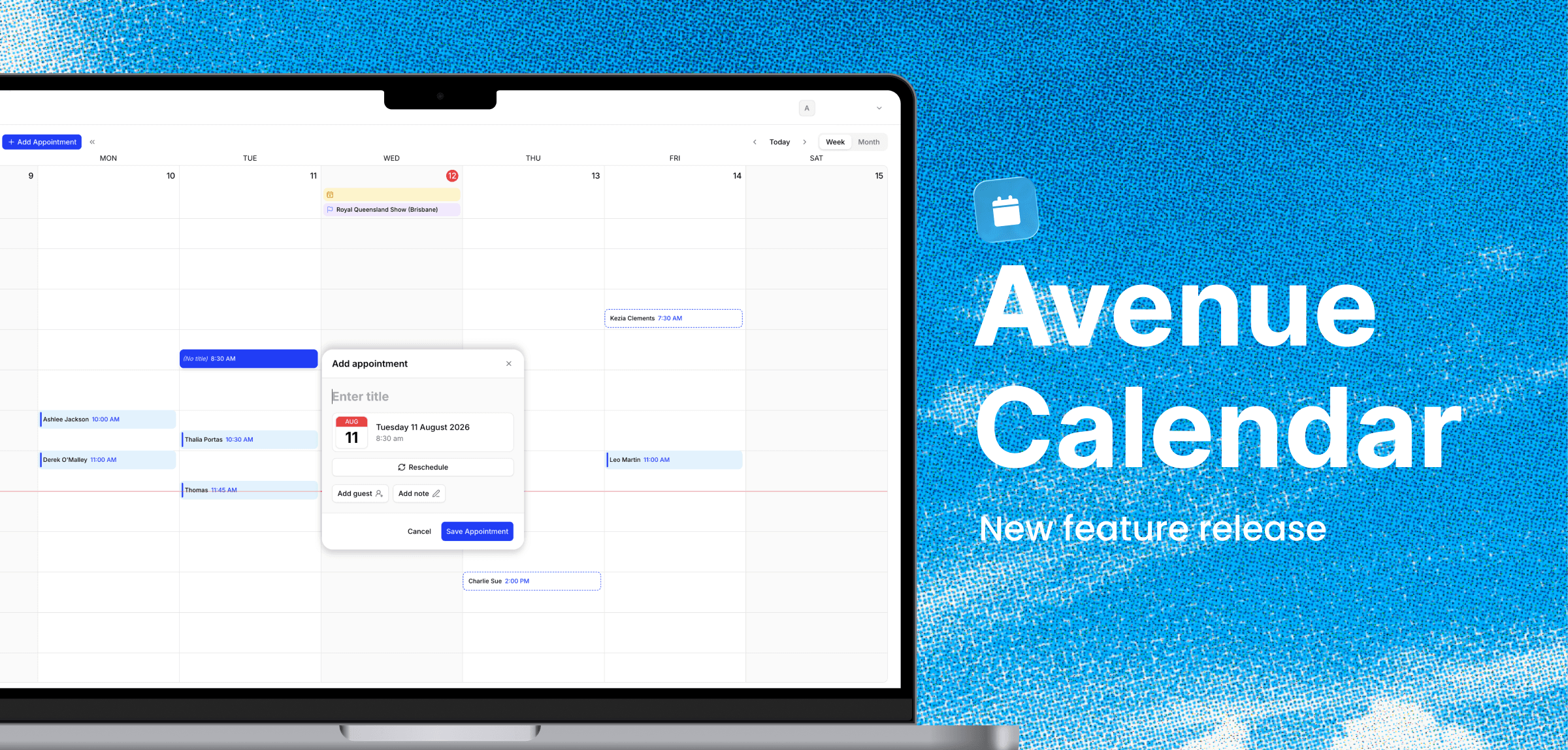
We heard you, and the dashboard just got its biggest upgrade since we launched it. The Avenue Calendar is live: a booking calendar built into your dashboard that puts every job in one view, lets you reschedule with a drag, and handles the customer messages for you.
Your whole week in one booking calendar
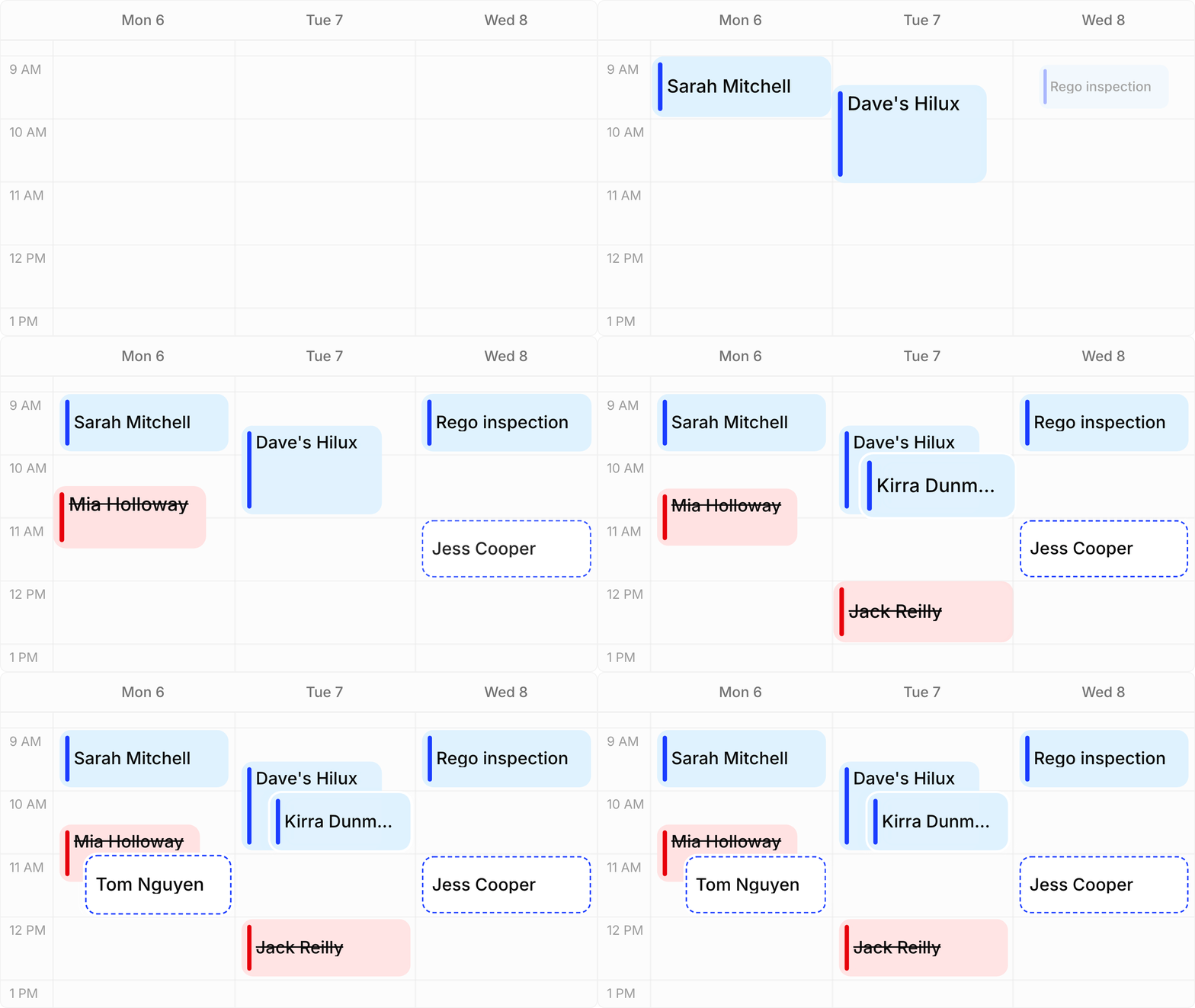
Open the Calendar and your week is just there. Flick between week and month view, and see everything you've got on without digging through emails or scrolling through lists. Week view is your day-to-day workspace. Month view is for planning ahead and spotting the busy patches early.
Every booking that comes through your Avenue form lands on the calendar by itself. Running more than one location? Filter the view to one site at a time, or narrow it to a single status when you're doing your morning check.
Reschedule with drag and drop
Customer can't make Tuesday? Grab the booking, drop it on Thursday. Done. No re-typing details, no double-handling.
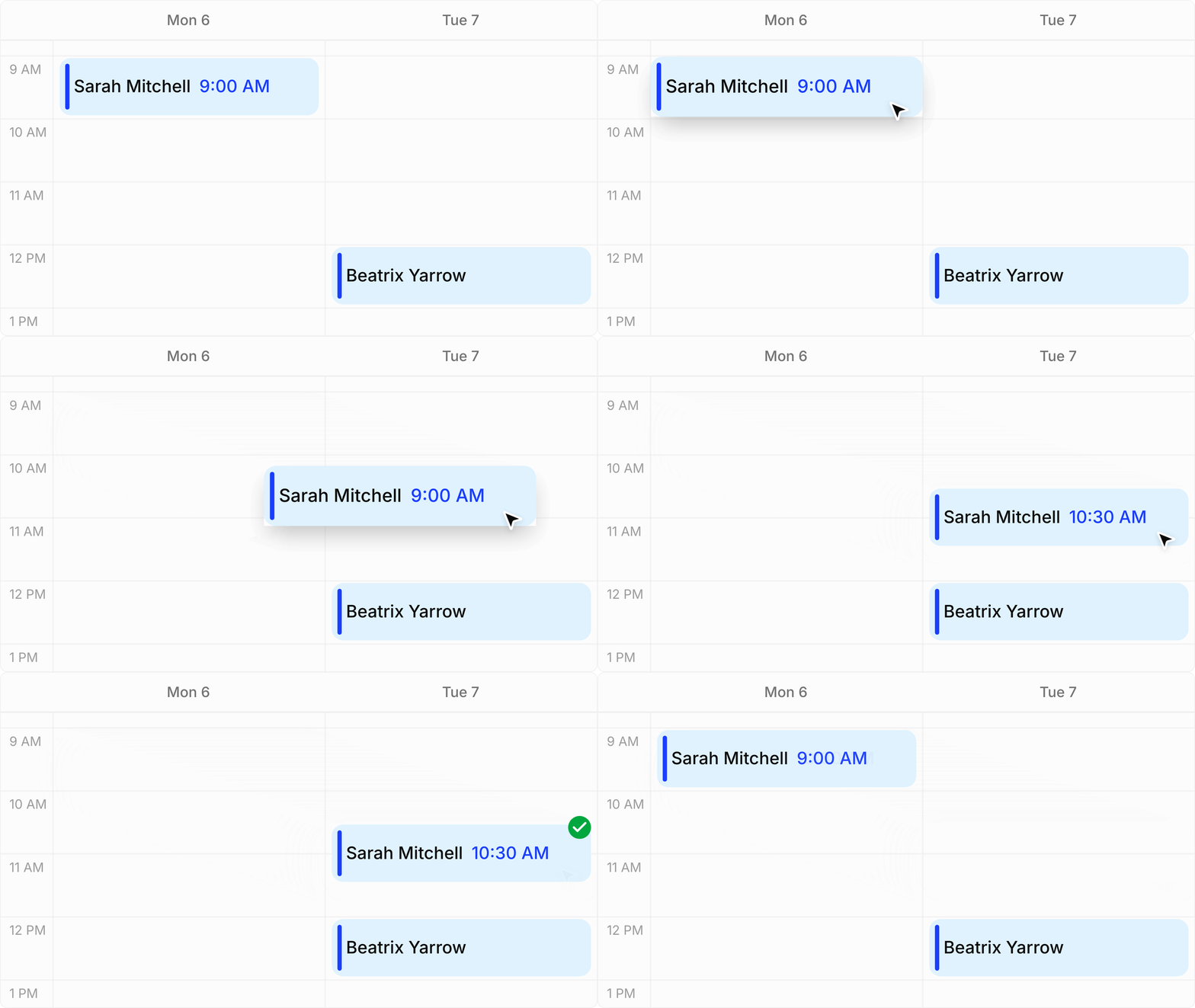
And you're not left chasing the customer to tell them about the new time. The moment you move a booking, Avenue sends them a text and an email with the updated details. The same goes for confirming or cancelling: change the status, and the customer hears about it straight away. You sort the calendar, we handle the telling.
Appointment reminders that send themselves
Confirm a booking and the reminders line themselves up: one 24 hours before, another 1 hour before, each sent by text and email. Fewer no-shows, and not a sticky note in sight.

Then, a few days after the job's done, Avenue follows up with a Google review request on your behalf. Steady reviews without the awkward asking.
Add walk-ins and phone bookings yourself
Someone walks in or rings while you're mid-job? Press and hold an empty slot, or tap Add appointment. Every field is optional, so jotting down a name and a time takes seconds. Hit save and get back to work.
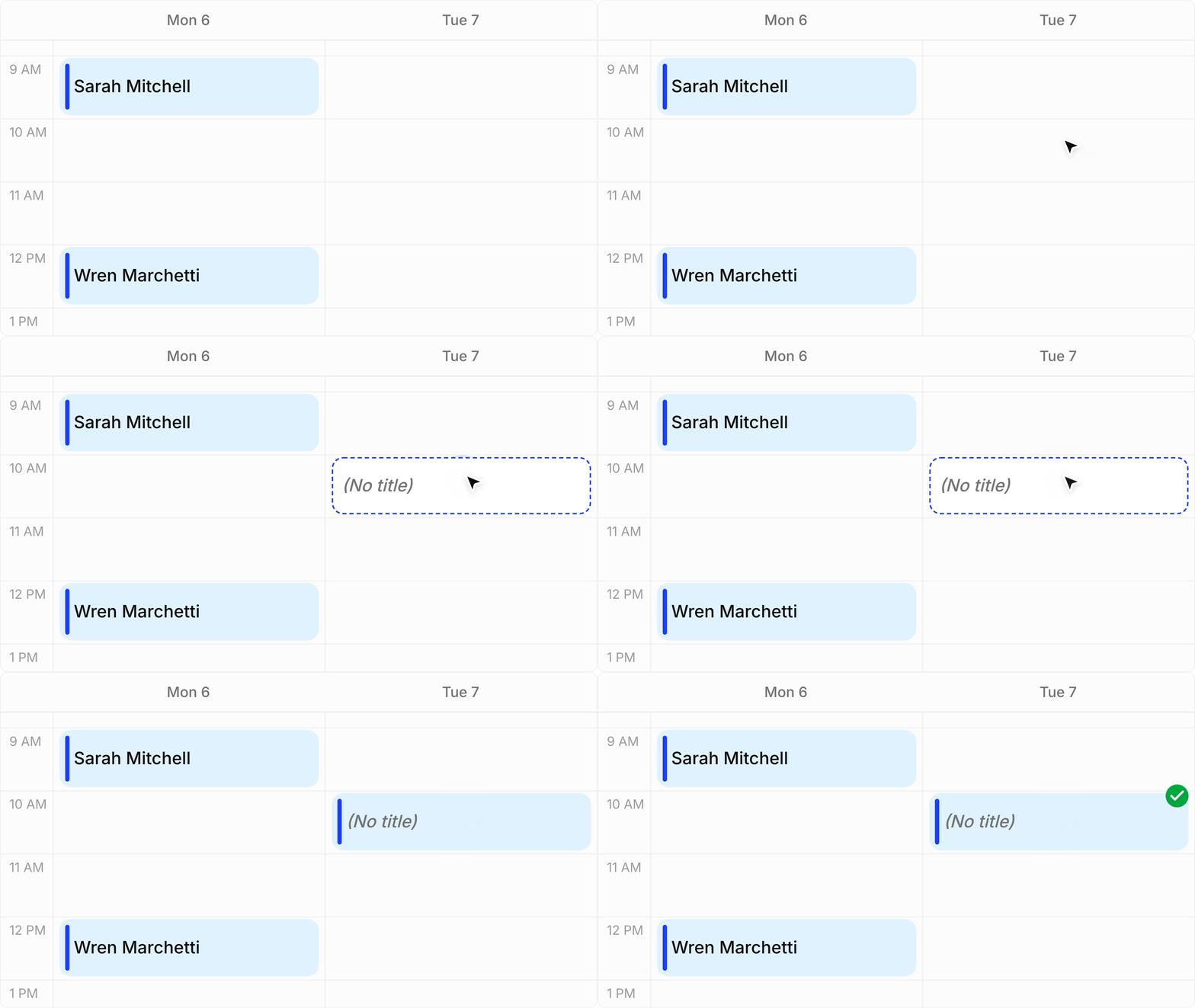
Once it's on the calendar, it gets the same treatment as every other booking: reminders, notifications, the lot.
How to get it
The Avenue Calendar is a $95 a month upgrade to your subscription. Already with Avenue? Open Calendar in your dashboard and press Upgrade subscription, or email us at info@avenue2.au and we'll switch it on for your business.
New to Avenue? The Calendar is one part of the full setup: your booking form, dashboard, and customer texting all in one place. Have a look at our pricing, or send an enquiry and we'd love to show you around.
Want the step-by-step version of everything above? The calendar docs walk through it all, including how your booking hours and limits work.