
Setup
Wix
Add Avenue embed to your Wix site
Add Avenue to Wix
This guide shows how to add the Avenue booking form to your Wix website.
Prerequisites
Before you begin, make sure you have:
- Access to your Wix account dashboard
- Owner or admin access to the site
- A Premium Wix plan (Custom Code requires a paid plan with a connected domain)
- Your Avenue embed code (sent to you via email)
How It Works
The Avenue embed code is a script that needs to be added to your website's header. Once added, the booking form will appear as a floating button on your site.
Your embed code looks like this:
<script src="https://embed.avenue2.au/loader.js" data-public-token="YOUR_TOKEN"></script>Wix has a built-in Custom Code feature that makes adding it easy.
Adding the Embed Code
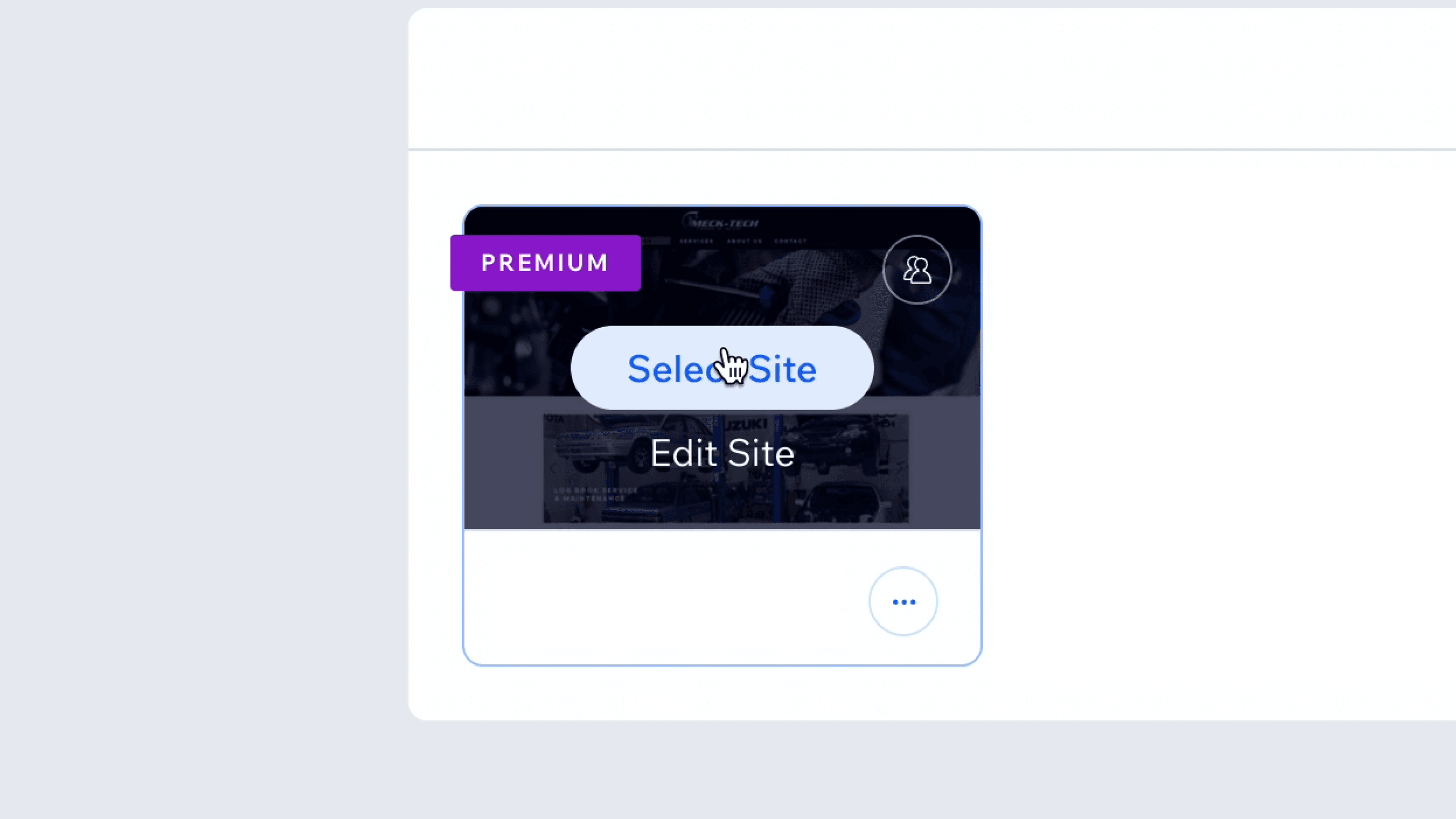
Step 1: Select Your Site
- Log in to your Wix account
- From the dashboard, select the site you want to add Avenue to
Step 2: Open Settings
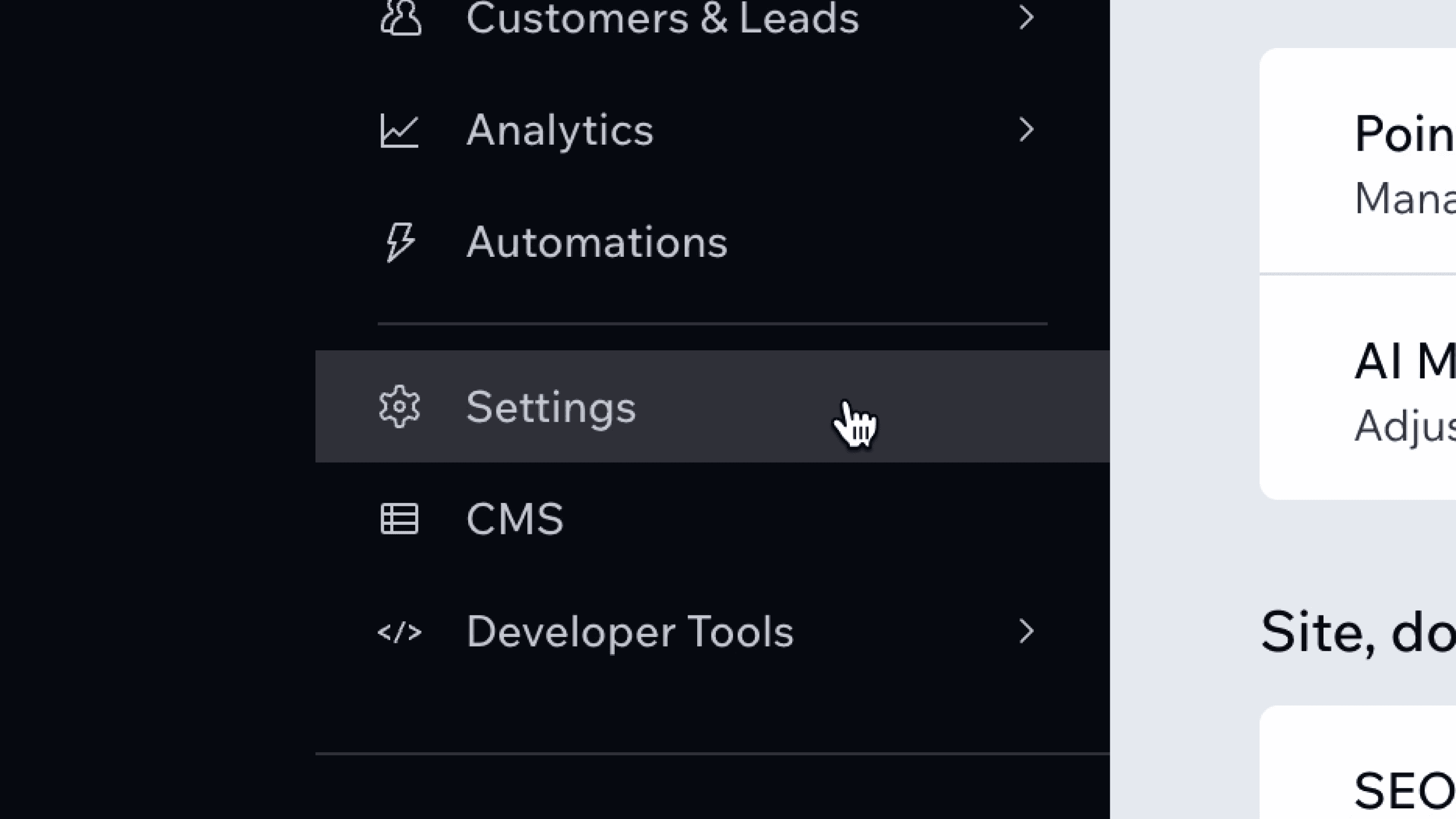
- In the site's dashboard menu, scroll down and click Settings
Step 3: Open Custom Code
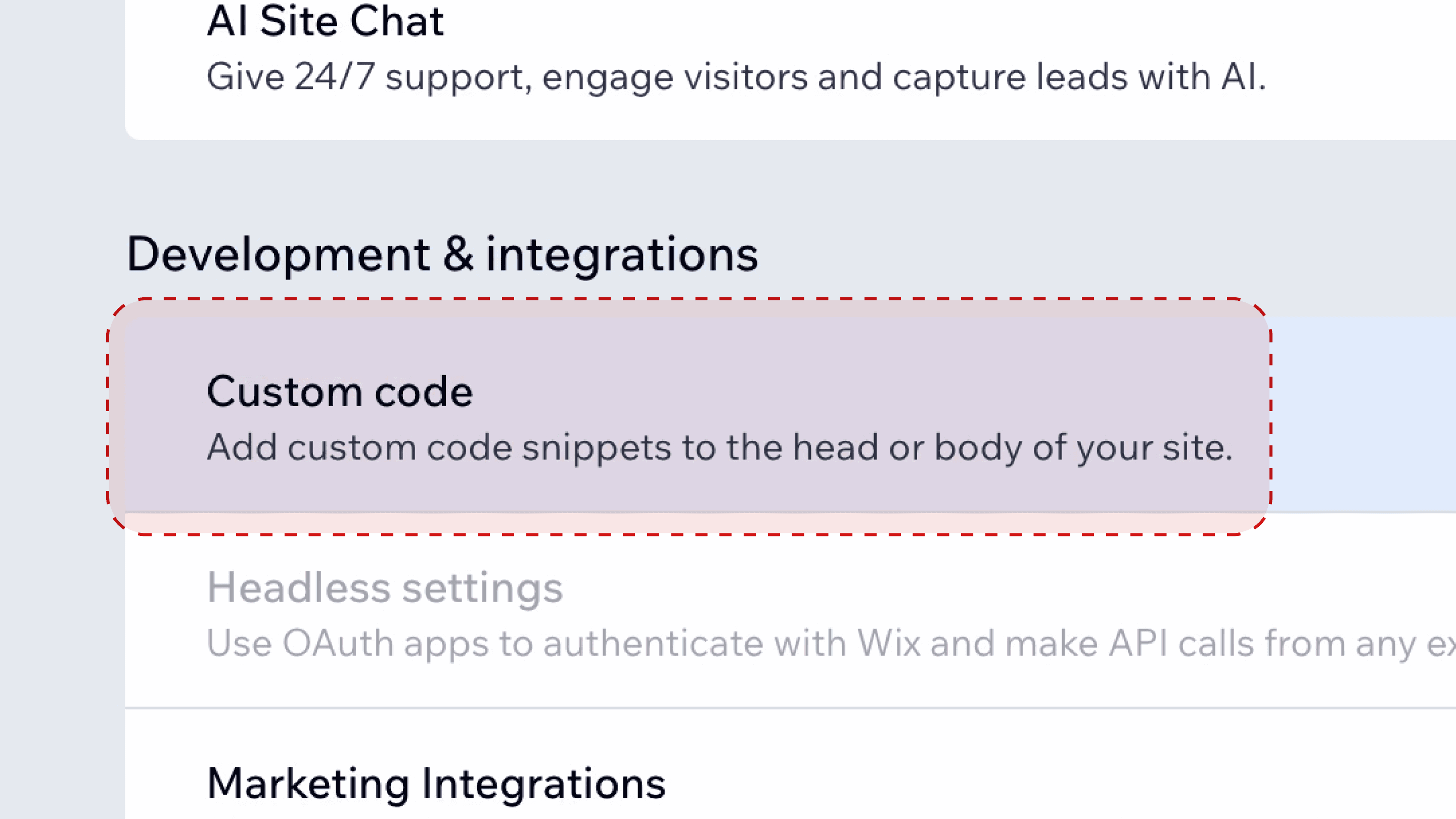
- In Settings, scroll to the Development & integrations section
- Click Custom code
Step 4: Add a New Code Snippet
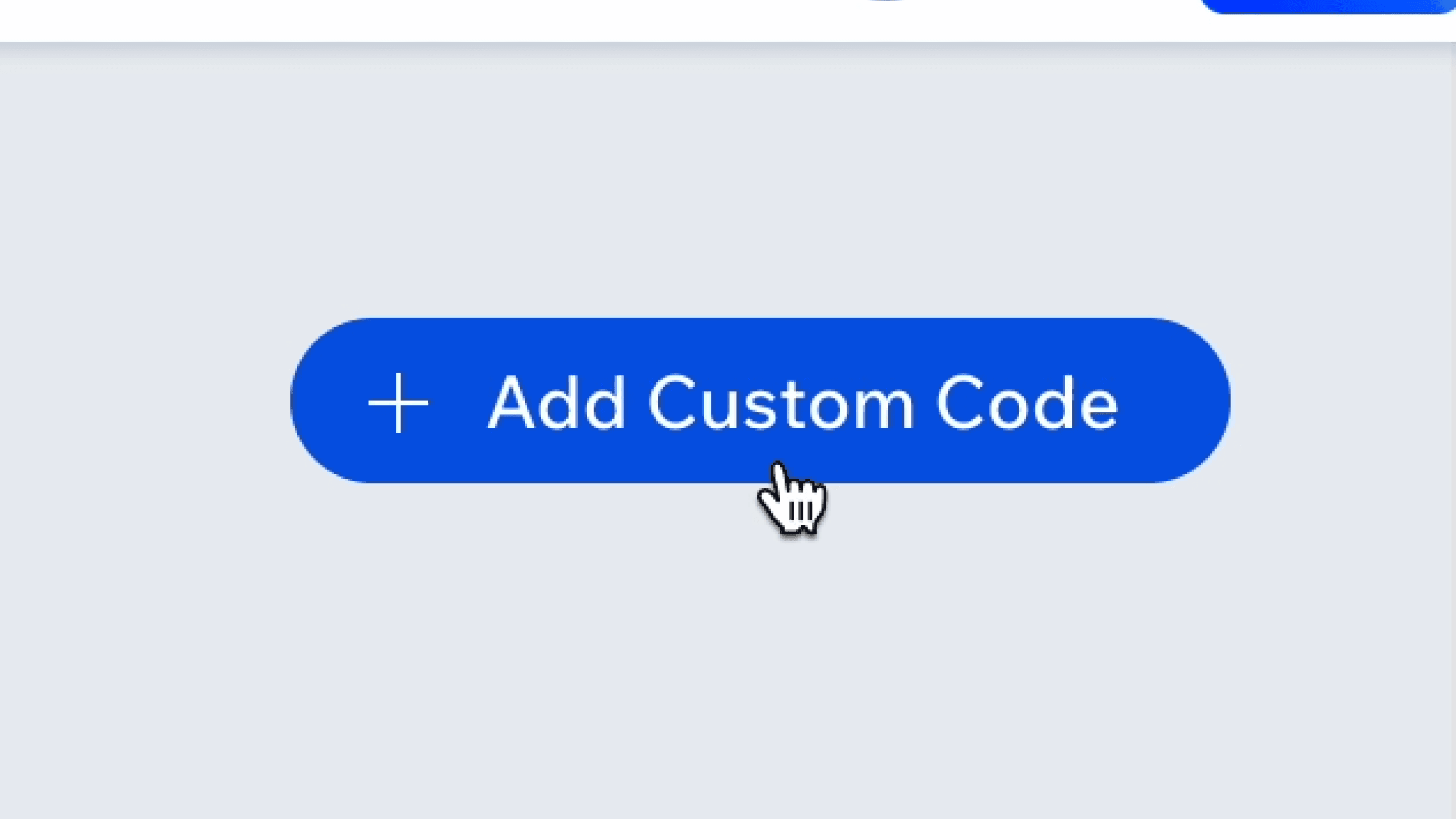
- Click + Add Custom Code in the top right
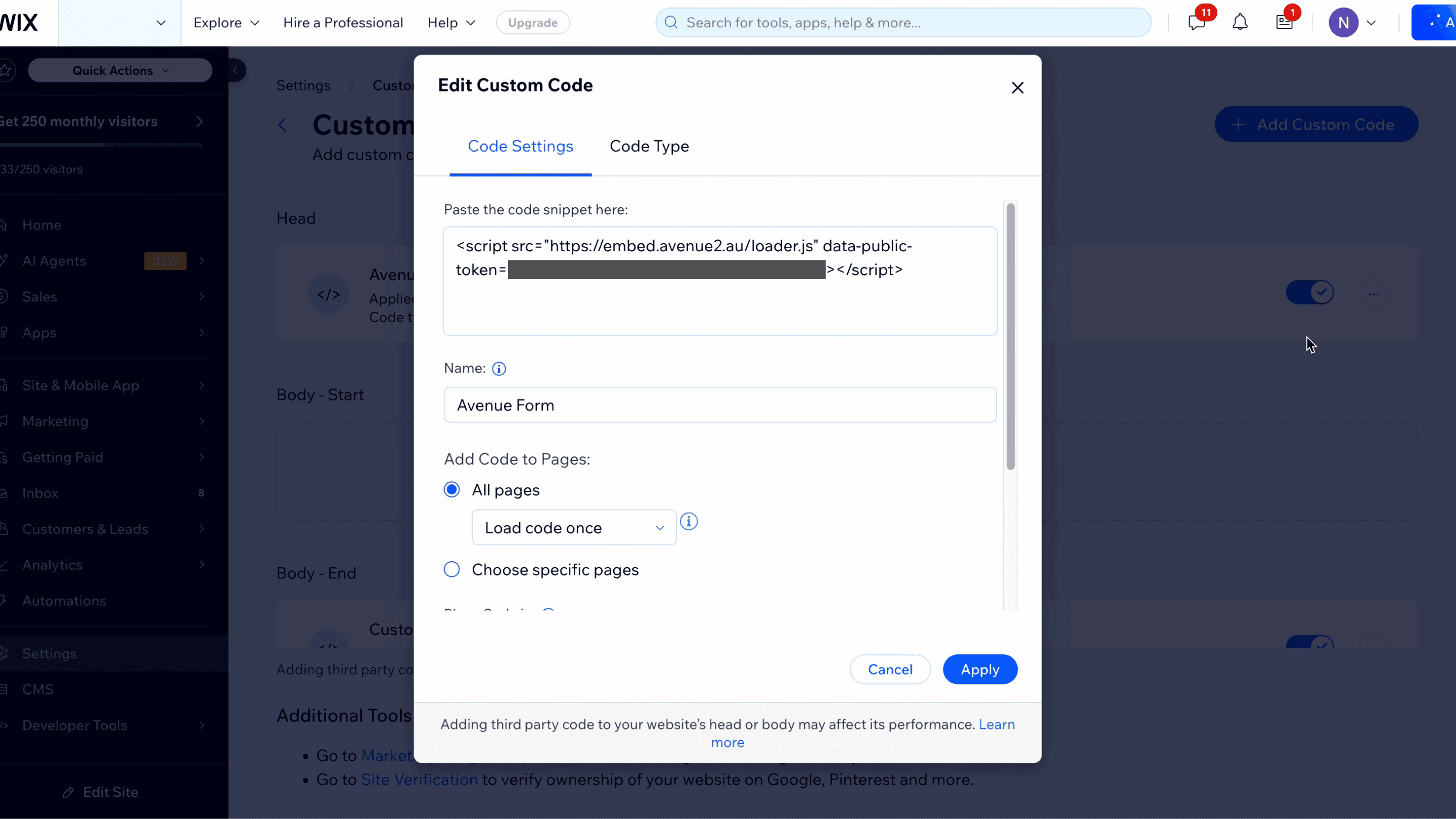
Step 5: Paste the Embed Code
- Paste your Avenue embed code into the Paste the code snippet here field
- In the Name field, enter a name such as "Avenue Form"
- Under Add Code to Pages, select All pages and leave Load code once selected
Step 6: Set the Placement
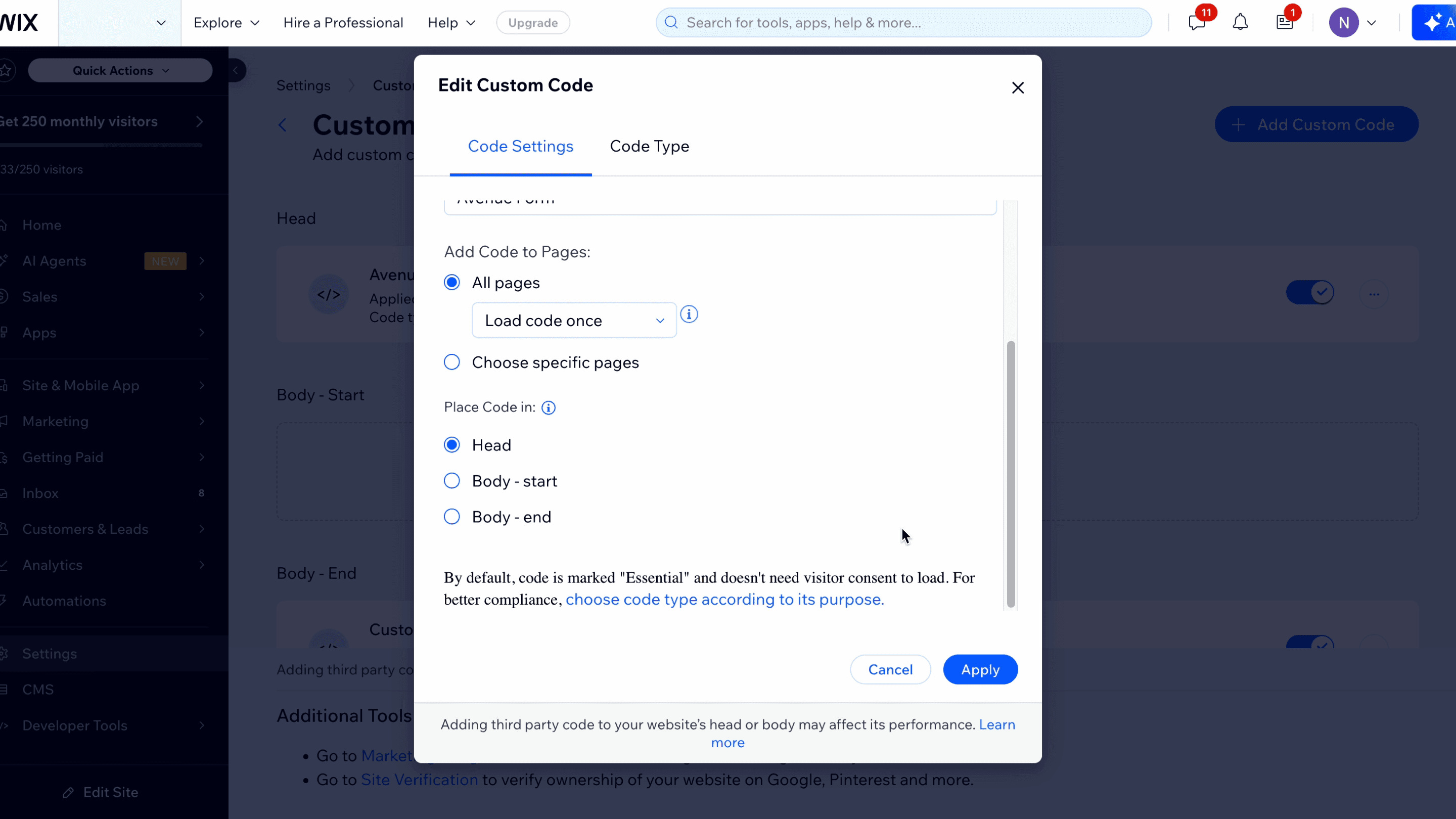
- Scroll down to Place Code in
- Select Head
Step 7: Set the Code Type
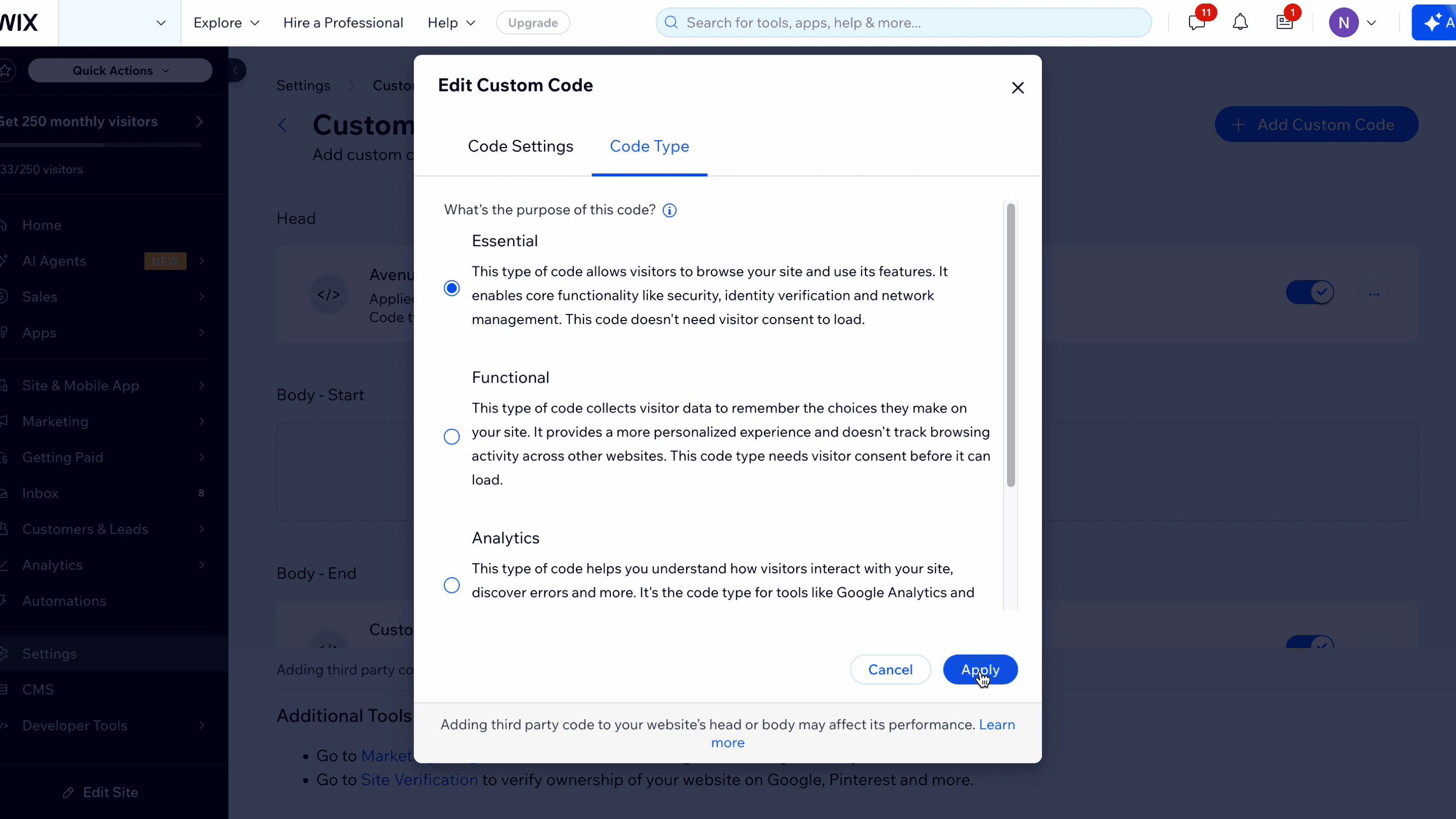
- Open the Code Type tab at the top of the dialog
- Select Essential, since the Avenue form is required for visitors to book and doesn't need cookie consent
- Click Apply
Step 8: Verify
- Make sure the custom code toggle is enabled
- Visit your published website
- Refresh the page
- You should see the Avenue booking button appear
Support
Contact Avenue support at info@avenue2.au if you need help adding the embed to your Wix site.